Analyze the Market
View price charts, timeframes, indicators, drawing tools, and historical market data.
LEGENDARY TRADING ACADEMY · PLATFORM EDUCATION
Understand the tools before you place a trade. A trading platform is the software or digital interface traders use to view market prices, analyze charts, place orders, and monitor open positions.
Understand how it works, what it provides, and its risks and costs through education and demo-based practice before making independent decisions involving real funds.
THE TOOLS
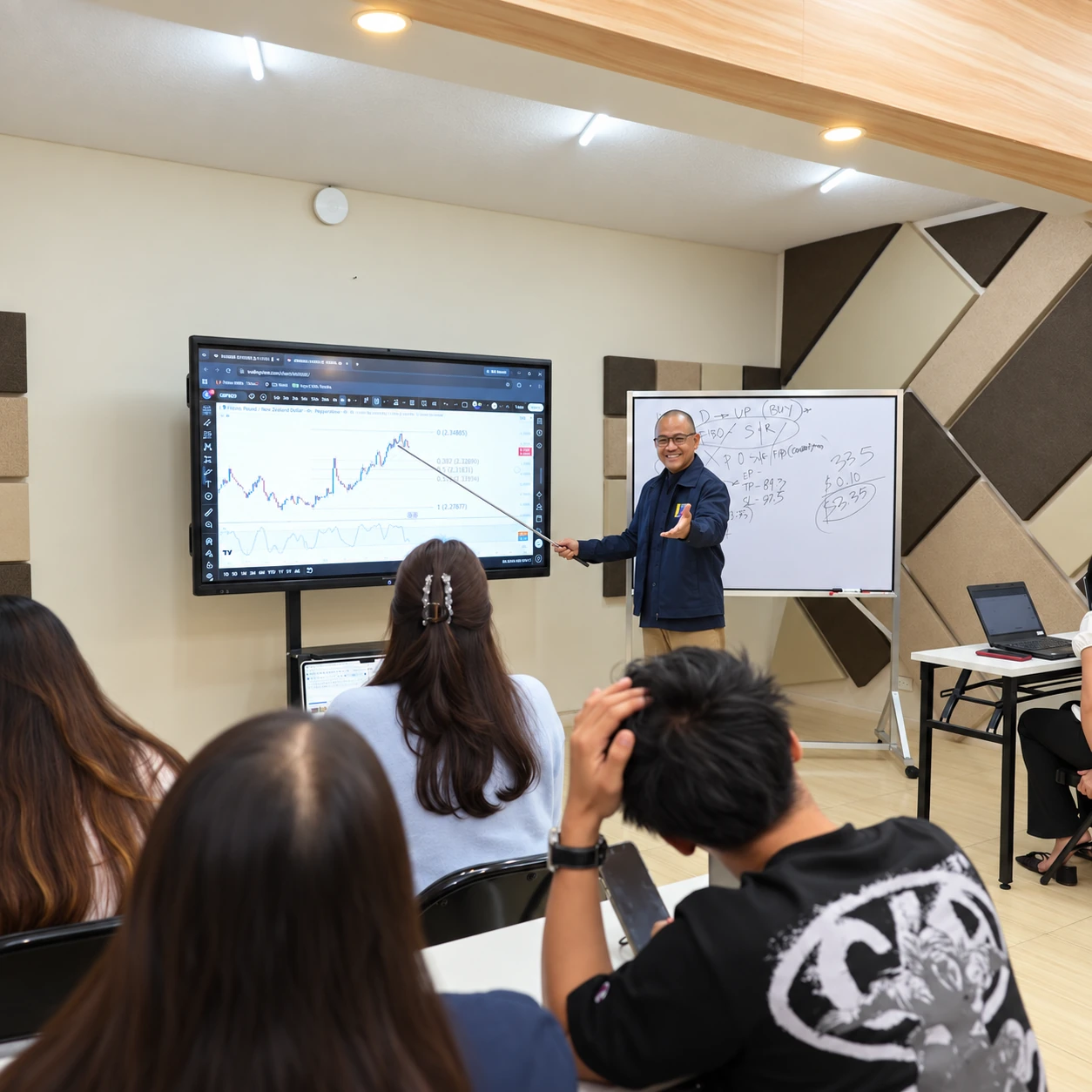
View price charts, timeframes, indicators, drawing tools, and historical market data.
Learn how market, limit, stop, Stop Loss, and Take Profit orders work.
Track open trades, account balance, equity, margin, and trading history.
Depending on the platform, traders may have access to alerts, indicators, economic calendars, strategy-testing tools, or automated features.
BEFORE YOU CHOOSE
Start with the interface, then examine the provider and the terms behind it. A familiar platform does not establish that a provider is suitable for you.
Is the platform easy to understand and navigate? A good platform should allow you to clearly see your charts, orders, positions, and account information.
Check which markets and instruments are available, such as currencies, commodities, indices, or other financial products.
Understand possible costs including spreads, commissions, swap or overnight fees, and deposit or withdrawal charges. Small costs can add up, especially for active traders.
Learn how orders are processed and understand concepts such as slippage, liquidity, spreads, and execution speed.
Look for Stop Loss, Take Profit, margin information, and position sizing tools. These tools can help manage risk, but they cannot eliminate trading losses.
Before opening or funding an account, independently review the financial provider behind the platform, including its authorization, policies, fees, reputation, and security practices.
STEP-BY-STEP PLATFORM WALKTHROUGH
New to trading platforms? Watch our educational walkthrough on how a typical account setup works, from registration and verification to navigating the platform.
The video covers: account registration, identity verification/KYC, platform access, security settings, and basic account navigation.
Important: This walkthrough is for educational purposes only. LTA does not require students to open an account with any specific provider. Broker selection, account opening, and funding are independent decisions.
Affiliate disclosure: LTA may receive compensation when users access certain providers through links on this website. Use of any provider is optional and independently decided by the user.
PRACTICE THE PROCESS
A demo account allows learners to practice platform navigation using simulated funds. Demo trading can help you become familiar with the technology, although simulated trading may behave differently from live-market execution.
KNOW THE DIFFERENCE
The same software can be offered by different financial providers. Check the provider behind an account independently.
The software or interface used to analyze markets and execute orders.
The company that provides access to the market and handles the trading account.
A familiar trading platform does not automatically mean that every provider using it is suitable or authorized for you.
RESEARCH BEFORE YOU CHOOSE
Explore operating history and selected group regulatory disclosures. LTA does not require or endorse any particular provider.

Since 2010
XS Group entities: ASIC 374409 · CySEC 412/22 · FSA Seychelles SD089.

Since 2009
XM Global Limited: FSC Belize 8557558. Other XM group entities may differ.
Since 2009
Vantage Global Prime: ASIC 428901 · Vantage Markets (Pty): FSCA 51268.

Since 2005
Liteforex (Europe): CySEC 093/08 · LiteFinance Investment: FSC Mauritius GB20025921.
Since 2008
Exness (SC): FSA Seychelles SD025 · Exness (MU): FSC Mauritius GB20025294.
Since 2015
VT Markets Limited: FSC Mauritius GB23202269. Verify which group entity would service you.

Since 2015
Group disclosures include FSA Seychelles SD050 and FSC Mauritius GB23202672. Services are not intended for Philippine residents.
Since 2014
Group entities: FSA Seychelles SD008 · FCA UK 717270 · CySEC 278/15.
Since 2005
MEX Australia: ASIC 416279. Other MultiBank Group entities hold separate licences.
Since 2009
RoboForex Ltd: FSC Belize 9759600.
Affiliate disclosure: LTA may receive compensation when a user accesses or registers with certain providers through links on this website. Using any provider is optional and is independently decided by the user.
Regulatory notice: These disclosures relate to specific companies within each provider's group. They do not mean every customer is protected by every listed regulator. The legal entity servicing an account may vary by jurisdiction. Verify its current authorization before opening or funding an account. PU Prime states its services are not intended for Philippine residents, so no PH account link is offered here.
THE LEGENDARY APPROACH
The goal is not simply to know where the Buy and Sell buttons are. Understand the technology, costs, risks, and processes behind every trading decision so you can become a more informed and independent market participant.
Important reminder: For educational purposes only. Legendary Trading Academy does not require or endorse a particular trading provider. Opening or funding an account is an independent decision. Trading involves substantial risk, including the possible loss of capital. Independently verify Philippine authorization, fees, risks, and suitability before using any financial provider.
EXPLORE LTA PROGRAMS